Tunnels and ports
Understanding SSH port forwarding, filling in Hawser's form, and knowing why no tunnel starts in this version.
What port forwarding is for
A port forward opens a port on your Mac and pushes everything that arrives on it through the SSH connection, out to a machine that only the remote server can reach. As far as your local tools are concerned, the remote service is running on your own machine.
The case that motivates most setups: a PostgreSQL database on a server, configured to listen on 127.0.0.1 only. It can therefore be reached only from the server itself, which is the right setting. You still want to open it in TablePlus or pgAdmin from your own machine. A local forward settles the question: your tool connects to 127.0.0.1 on a port of your choosing, the traffic leaves encrypted by SSH, and the database stays closed to the outside world. No port to open in the server firewall.
The same three mechanisms cover most day-to-day needs:
- Reaching a database, a Redis instance or an admin panel bound to
localhoston the server. - Showing a colleague, from outside, a service running on your machine.
- Sending a browser's traffic out through the server, to test a site as it is seen from that network.
What this version does, and does not
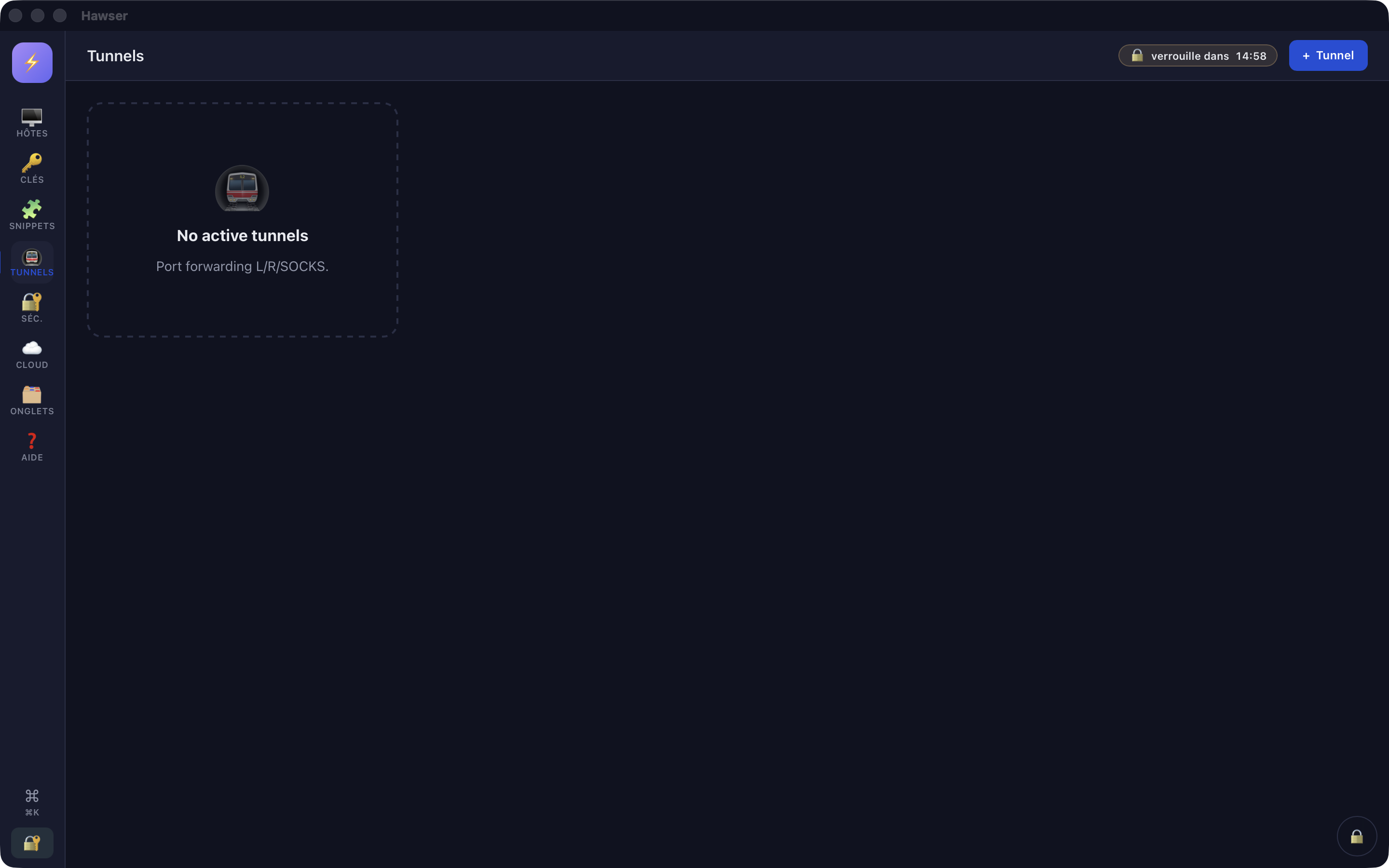
Three pieces exist: the Tunnels view, a complete and validated creation form, and a port forwarding engine written natively. The link between the form and the engine has not been made. In practice, you can describe a tunnel in Hawser, but not start it.
The rest of this page describes what is in place and can be documented: the semantics of the three types, the fields of the form, the validation messages. The last section explains how to set up a tunnel today, outside Hawser. The full inventory of missing features is in Limits and troubleshooting.
The three types, and which to choose
| Type | Who listens | What for |
|---|---|---|
| Local (L) | Your Mac | Reaching a remote service from a local tool. The database case. |
| Remote (R) | The remote server | Making a service that runs on your Mac reachable from the server. Demos, test webhooks. |
| SOCKS5 (D) | Your Mac | Sending all of an application's traffic out through the server, without forwarding port by port. |
Local (L) needs three pieces of information: the port Hawser opens on your machine, then the host and port to reach from the server. The remote host is most often 127.0.0.1, that is, the server itself; it can also be another machine that only the server can see, a database server on a private network for instance.
Remote (R) works the other way round. It is the SSH server that opens the listening port. Many servers refuse by default to expose it anywhere but on their own loopback: the server's GatewayPorts setting decides. If it is refused, the engine reports protocol error: tcpip_forward: followed by the detail the server gave.
SOCKS5 (D) opens a local port that speaks the SOCKS5 protocol. Each destination the client asks for becomes an SSH channel. You then point your browser, or macOS, at that proxy. The engine implements a deliberate subset: the no-authentication method only, the CONNECT command only, and IPv4, IPv6 and domain-name targets. No BIND, no UDP ASSOCIATE, no password authentication.
Creating a tunnel in the interface
The vault must be open, and it must hold at least one SSH-protocol host. Otherwise the selection menu stays empty and nothing can be validated. See Adding a server.
- In the left rail, click Tunnels. The header title changes to "Tunnels" and the search bar disappears, this view not being filterable.
- Click + Tunnel, top right. The command palette offers the same route: ⌘K, then "tunnel", then the
New tunnelentry. There is no keyboard shortcut dedicated to tunnels. - Under Type, choose
Local (L),Remote (R)orSOCKS5 (D). The default isLocal (L). - Under Via connexion SSH (via SSH connection), choose the host that will carry the tunnel. The menu lists SSH-protocol hosts only, by name. There is no empty option, and it is not refreshed if you add a host while the window is open.
- Fill in Port local (local port), then Remote host and Remote port.
- Click Démarrer.
Port local defaults to 8080 and Remote port to 80, both bounded between 1 and 65535. Remote host starts empty, with 127.0.0.1 as placeholder text. When you choose SOCKS5 (D), the two remote fields disappear: a dynamic proxy has no fixed destination.
Four checks run before any network access. Each one shows a red banner and stops the action:
| Message | Cause |
|---|---|
Choose an SSH connection | No host selected. In practice: the vault holds no SSH host. |
Local port must be between 1 and 65535 | Local port empty, non-numeric or out of range. |
Remote host required | Remote host field empty, on an L or R tunnel. |
Remote port must be between 1 and 65535 | Remote port empty, non-numeric or out of range, on an L or R tunnel. |
Start, stop, find again
When you click Démarrer, the button is disabled and shows an activity indicator while it works. A second click during that time is ignored. Then comes the Tunnels not implemented in this build banner. The window stays open and nothing is created.
The list is meant to show one row per tunnel, in the form <type>-forward : <local port> → <host>:<port>, with the name of the carrying host as a subtitle and a red Stop button. That rendering is never reached, the list staying empty.
On the native side, the engine knows how to close down cleanly. When an SSH session disconnects, it asks the server to cancel the remote forwards, so as not to leave a port occupied on a bastion, then stops the listening tasks. That behaviour exists but stays unobservable as long as no tunnel starts.
When the local port is already taken
This is the first real obstacle with a local forward. You ask for port 5432 while a PostgreSQL instance is already running on your Mac, and opening the port fails.
Hawser does not check whether the port is available. The only validation is the 1 to 65535 range. The conflict shows up only when the engine tries to open the listener, as the raw system error: I/O error: Address already in use (os error 48). A port below 1024 gives I/O error: Permission denied, those ports being reserved for the administrator.
Neither of these messages can be reached by any route in the interface today: the 501 error comes first. They are documented here so that you recognise them, including when they come from the ssh command described below.
lsof -nP -iTCP:5432 -sTCP:LISTENSystem authorisation is not the issue. Hawser explicitly requests the right to open a local listening port, on both distribution channels, with port forwarding as the justification. macOS blocks nothing here.
Local listening and network exposure
The engine applies a default guard on the Local (L) and SOCKS5 (D) types: the listening port can be opened only on a loopback address. The word localhost and any loopback IP address are accepted, that is 127.0.0.0/8 and ::1. Refused are 0.0.0.0, ::, any address on your local network, and any DNS name, even one that points to 127.0.0.1 today: a resolution can change without warning. The refusal reads refusing to bind local-forward on non-loopback host followed by the host requested.
The guard does not apply to the Remote (R) type: in that direction it is the SSH server that opens the port, and it is its configuration that decides how exposed it is.
In the meantime: building the tunnel from Terminal
Until the Tunnels view is wired up, the ssh command shipped with macOS does the job. It is independent of Hawser: the tunnel will appear in no view of the application, and it closes when you close the Terminal window.
The other two forms follow the same logic: ssh -N -R 8080:127.0.0.1:3000 admin@serveur makes the server listen on its port 8080 and forwards back to your port 3000; ssh -N -D 1080 admin@serveur opens a local SOCKS5 proxy on port 1080.
Hawser can at least supply the aliases: ⌘K, then "Exporter en config OpenSSH" (Export as OpenSSH config), produces a file named ssh_config containing the Host, HostName, User and Port lines of your SSH hosts. It is up to you to carry its contents into ~/.ssh/config. That file contains no IdentityFile, no key and no password.